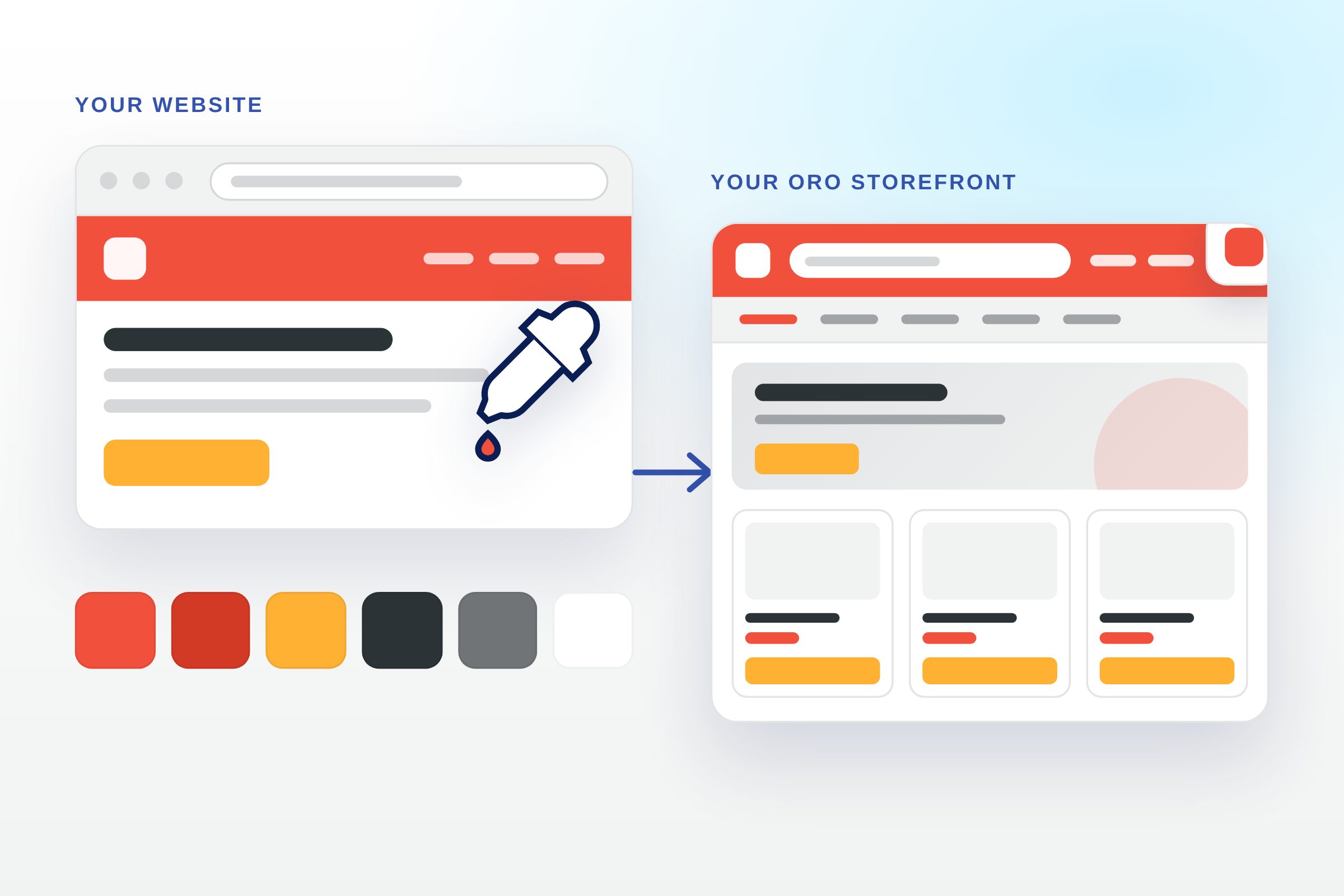
AI Branding turns your brand into a ready-to-install OroCommerce storefront theme. You give DataArt one input, your corporate website address, your brandbook or your logo, and you receive a theme bundle built on the standard Oro storefront and styled in your colours, with your logo and favicons already in place.
Branding an Oro storefront normally needs a designer to choose colours for dozens of interface elements, several rounds of mockups, and a frontend developer to turn the result into a theme. That takes weeks. AI Branding replaces the colouring work with a scripted run: the AI reads your live website the way a designer would, measures the colours it finds, and maps them onto the Oro theme‘s colour variables. DataArt engineers validate the result, build the theme and check it on a running storefront before delivery.
The theme follows standard Oro conventions. It inherits from the default storefront theme, ships as a normal Symfony bundle, and can be maintained by any Oro developer, including your own team. There is no proprietary layer and no lock-in.
How It Works
- You share your brand. A website URL, a brandbook PDF or a logo file. Any one of these is enough.
- The AI analyses it. It identifies your brand colours, logo and favicon. From a website it also captures the header style, call-to-action buttons, and text and link colours.
- DataArt validates the design. Specialists check the colour scheme against your brand.
- The theme is generated and verified. One scripted run produces the bundle; the result is installed on a storefront and checked.
- You receive the theme. A bundle ready to drop into
src/, with optional installation on your instance or a demo environment.
What You Receive
- A branded OroCommerce theme bundle, ready to install
- Your logo and favicons, prepared and built into the theme
- A colour reference page documenting your storefront colours
- A generation report listing every applied template, colour check and correction
- Optional installation on your OroCommerce instance