
Asyntai AI Chatbot

Asyntai
Supports versions: 5.0.0 LTS, 5.1.0 LTS, 6.0.0 LTS, 6.1.0 LTS, 7.0.0 LTS
Free

Short Overview

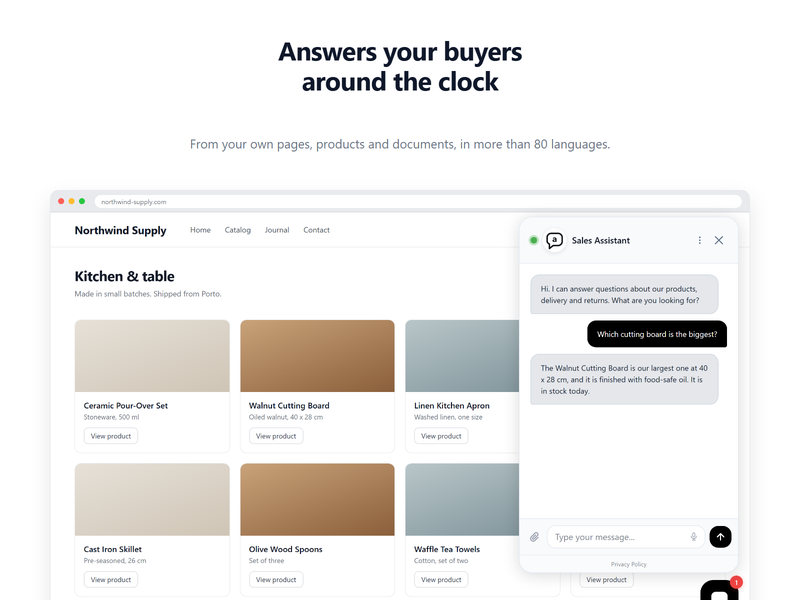
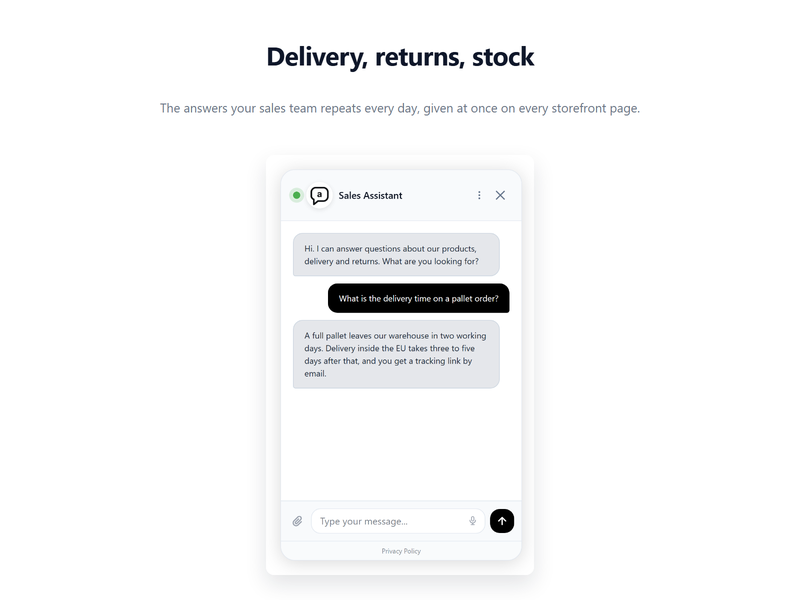
Asyntai puts an AI assistant on your OroCommerce storefront. It answers buyer questions about products, delivery and returns at any hour, in more than 80 languages, and turns a chat into a lead when the visitor leaves an email address or a phone number. Install the extension, paste your website ID, and the assistant is live on every storefront page.

Asyntai AI Chatbot for OroCommerce

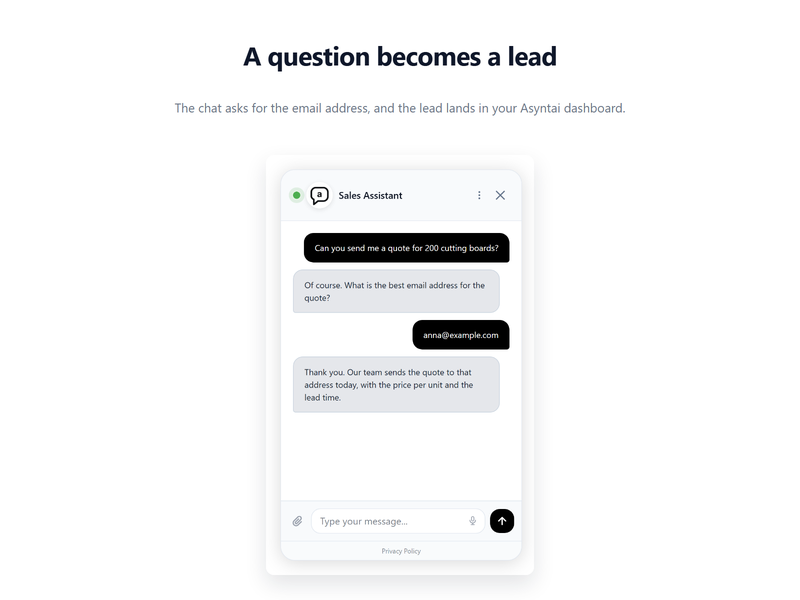
Put an AI assistant on your OroCommerce storefront. It reads your website and answers buyer questions at any hour, in more than 80 languages. When a visitor leaves an email address or a phone number, the chat becomes a lead in your Asyntai dashboard.

What you get

  • An AI assistant on every storefront page.
  • Answers built from your own website content, so the assistant talks about your products, your delivery terms and your prices.
  • Lead capture from the conversation.
  • Full chat history and reports in the Asyntai dashboard.

Requirements

  • OroCommerce 5.0 or higher, up to 7.0
  • PHP 8.1 or higher
  • An Asyntai account. The free plan is enough to start.

Installation

Install the package with Composer from the root of your Oro application:

composer require asyntai/orocommerce-chatbot

Then rebuild the application cache and the storefront assets:

php bin/console cache:clear --env=prod
php bin/console oro:assets:build --env=prod

Setup

  1. Create an account at asyntai.com and add your shop address. Asyntai reads the site and builds the assistant.
  2. In Asyntai, open Settings, then Installation, and copy your website ID. It looks like asyntai_ab12cd34.
  3. In the Oro back office, open System, then Configuration, then Commerce, then Asyntai, then AI Chatbot.
  4. Paste the website ID into Website ID.
  5. Tick Show the chatbot on the storefront and save.
  6. Open your storefront. The chat bubble is in the corner.

Documentation

Full guide: https://asyntai.com/documentation/integrations/orocommerce/

Support

Write to [email protected].

License

MIT. See LICENSE.

OroCommerce Community Edition

  • 7.0.0 LTS
  • 6.1.0 LTS
  • 6.0.0 LTS
  • 5.1.0 LTS
  • 5.0.0 LTS
to submit a support request

Oro Extensions store is our new technology and innovation hub connecting online merchants looking to extend functionalities of Oro business applications and developers willing to market solutions compatible with Oro products. The Extensions store allows Oro applications’ users to browse and instantly download cost-efficient connectors and integrations helping them make the most out of their OroCRM and OroCommerce deployments. The Extensions store lists free, paid, and quote-based extensions developed either by the Oro team or the Oro community. The offering includes extensions for management of leads and opportunities; tools for sales and marketing; integrations for payment processing, shipment, accounting, and invoicing; solutions for customer support, and much more. Oro Extensions store is always open to modules extending on the capabilities of Oro products. Join Oro’s vibrant ecosystem and leverage the multiple benefits this will bring. External developers contributing to the growing Oro Extensions store capture new customers for their products and services, and market their solutions on our site at no cost.

Click to show information

Back to top