
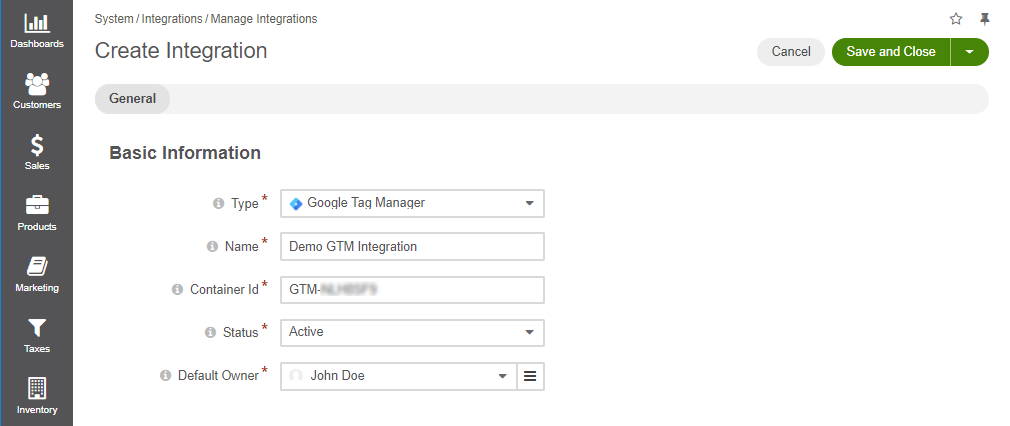
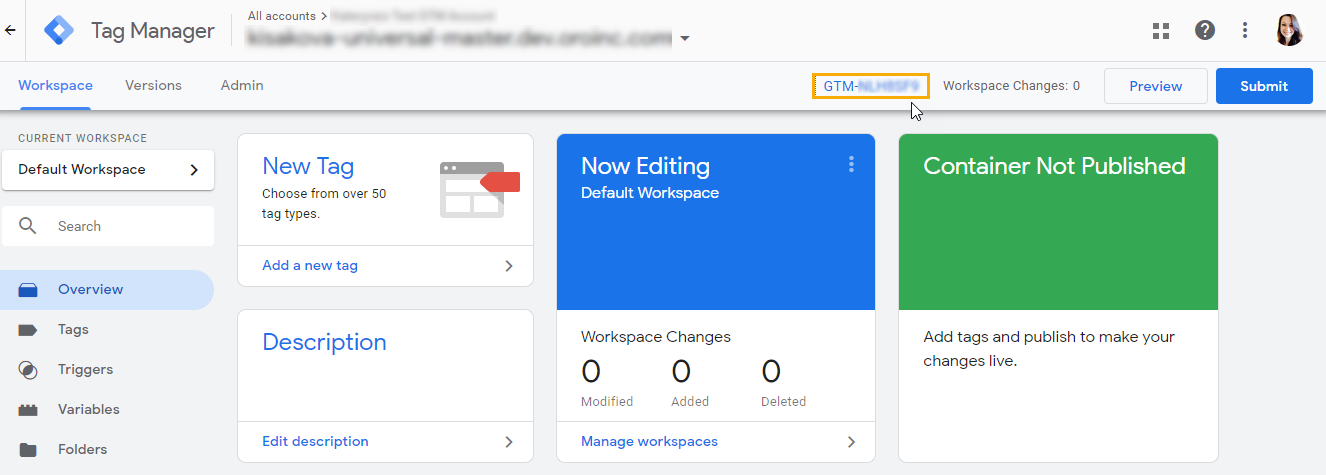

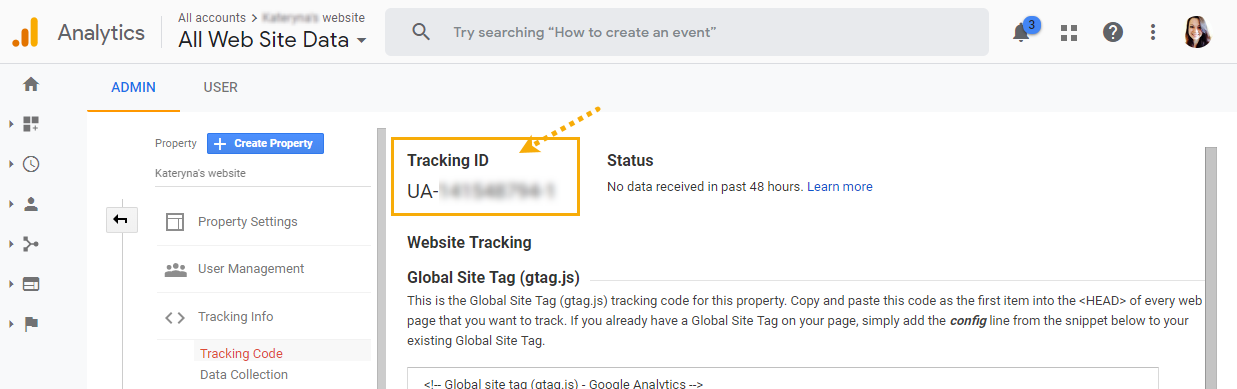
The Google Tag Manager (GTM) extension integrates OroCommerce with Google Tag Manager, allowing non-technical users to add and manage tracking codes, remarketing pixels, conversion scripts, and other analytics tools through the GTM web interface.
Once the GTM container ID is configured in the OroCommerce back-office, the GTM script is automatically injected into all storefront pages. This provides a centralized approach to tag deployment, eliminating the need for custom code changes in the theme or templates.
The extension supports dynamic data layer injection, enabling detailed customer behavior tracking, such as page views, product impressions, and eCommerce events. This ensures compatibility with a wide range of third-party marketing and analytics services.
The configuration is performed in the back-office under System > Configuration > Integrations > Google Tag Manager. It is supported at the global level in the Community Edition and at the global, organization, and website levels in the Enterprise Edition.
Key Features
Script Injection: Automatically inserts the GTM container script into all storefront pages.
Data Layer Integration: Enables GTM to access structured data from the storefront for advanced analytics and tracking.
Centralized Tag Management: Add and modify marketing and tracking tags via the GTM UI without code changes.
For more information on how to integrate your Oro application with Google Tag manager, see Configure Google Tag Manager Integration in the Back-Office https://doc.oroinc.com/user/back-office/system/integrations/gtm/#gtm-ga-4-integration