
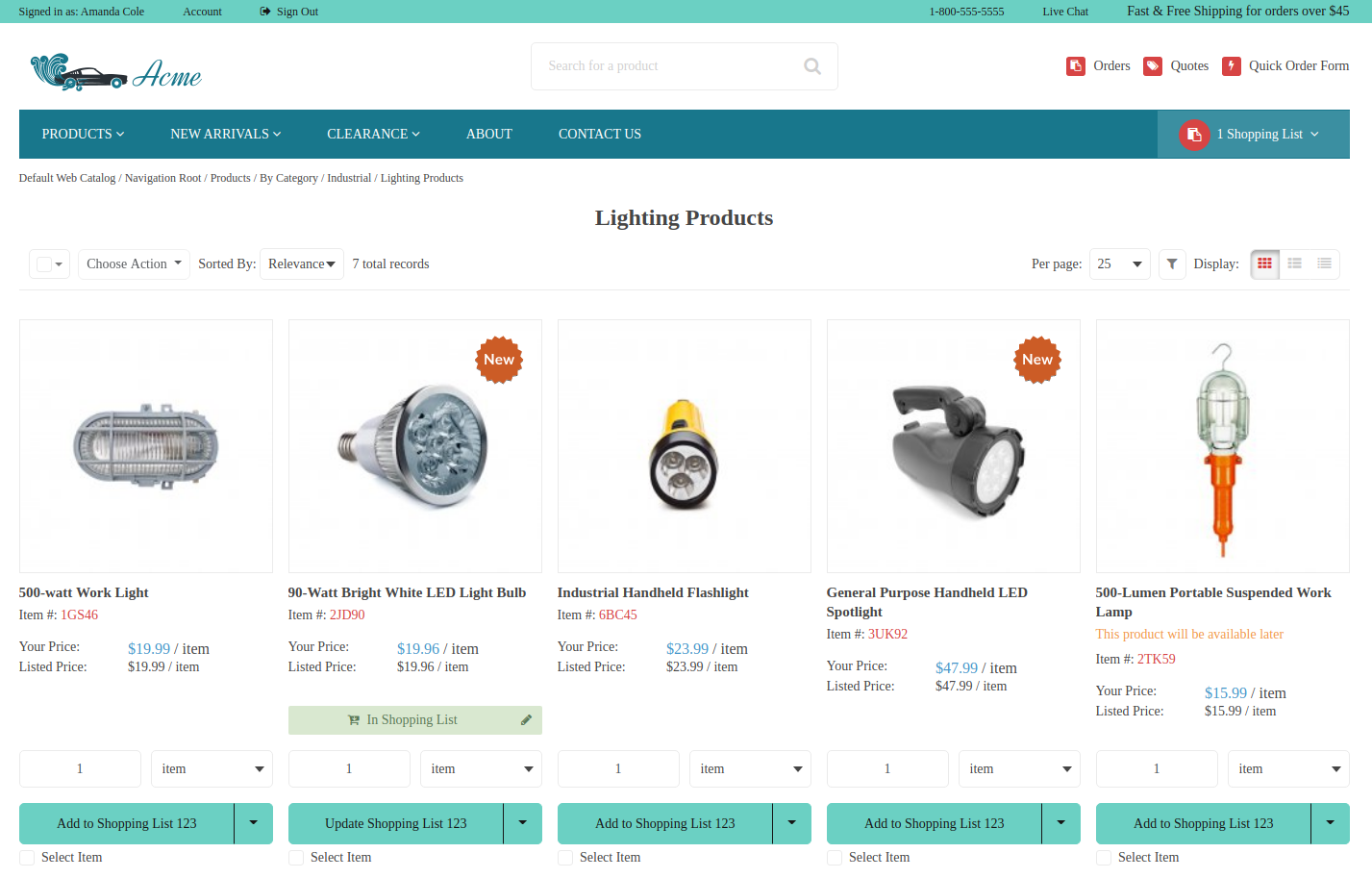

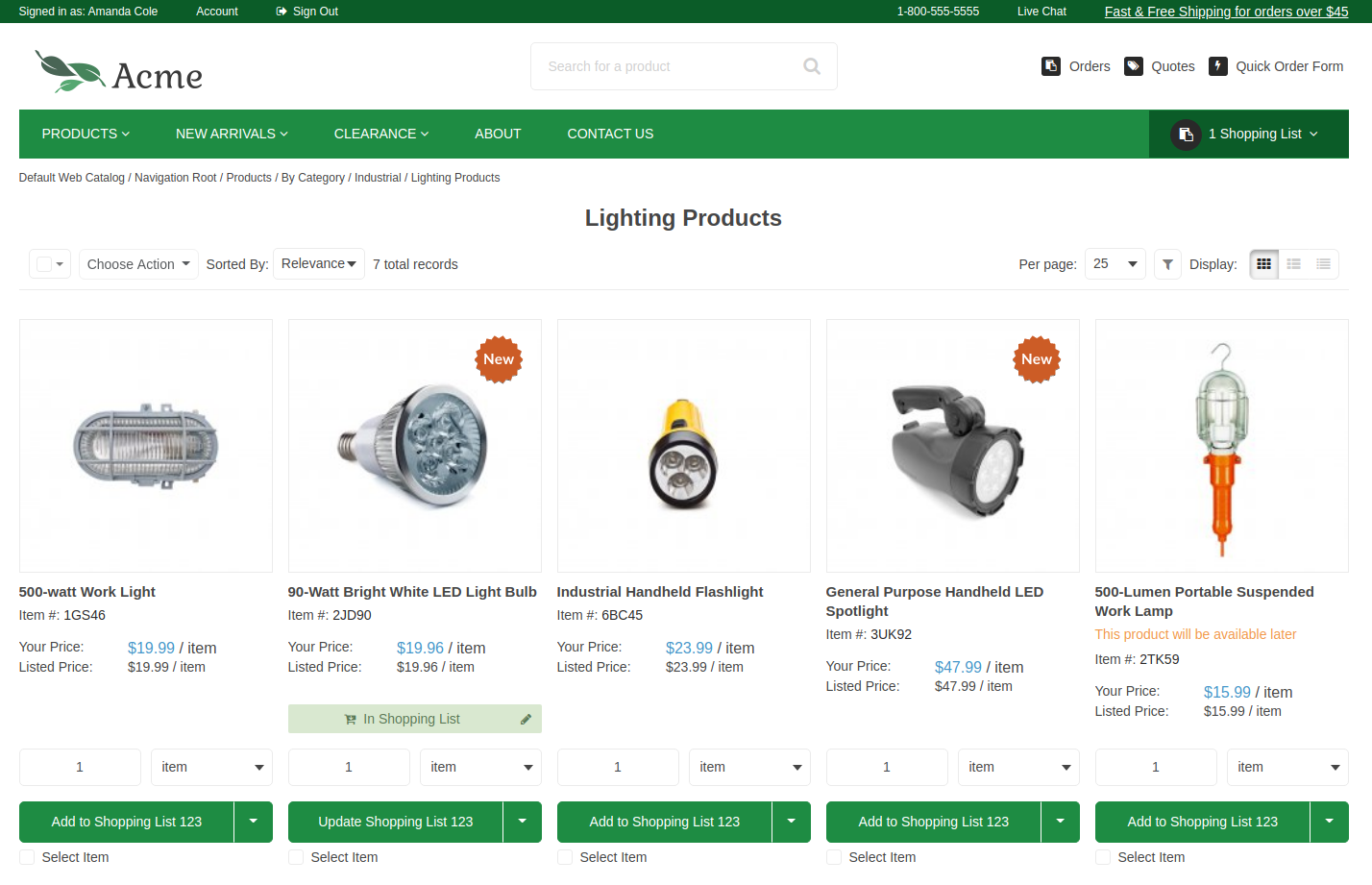

The Default Theme Configuration extension enables storefront customization in OroCommerce through a structured configuration interface in the back-office. Designed for flexibility, the extension allows administrators to tailor visual and layout aspects of the default theme without modifying code.
Configuration settings are organized into three categories:
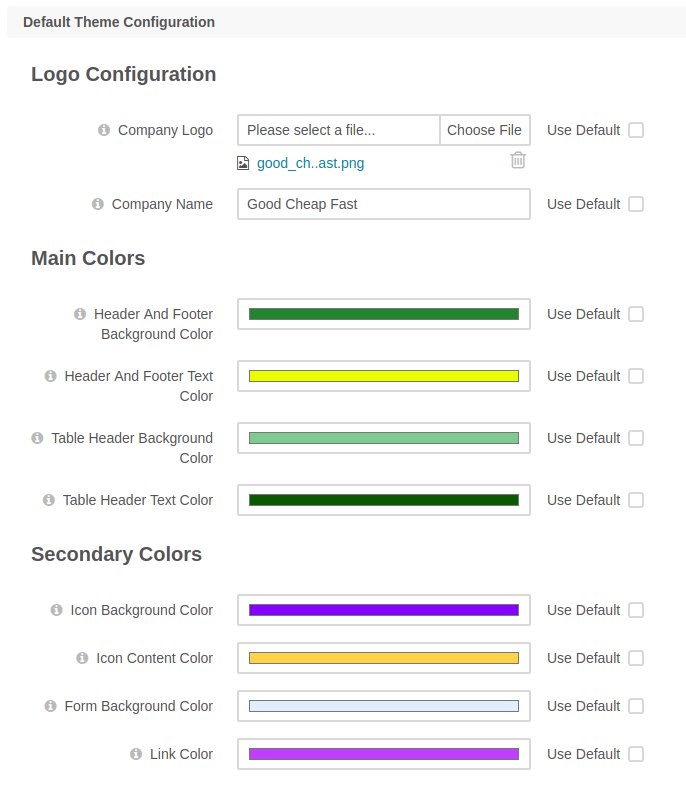
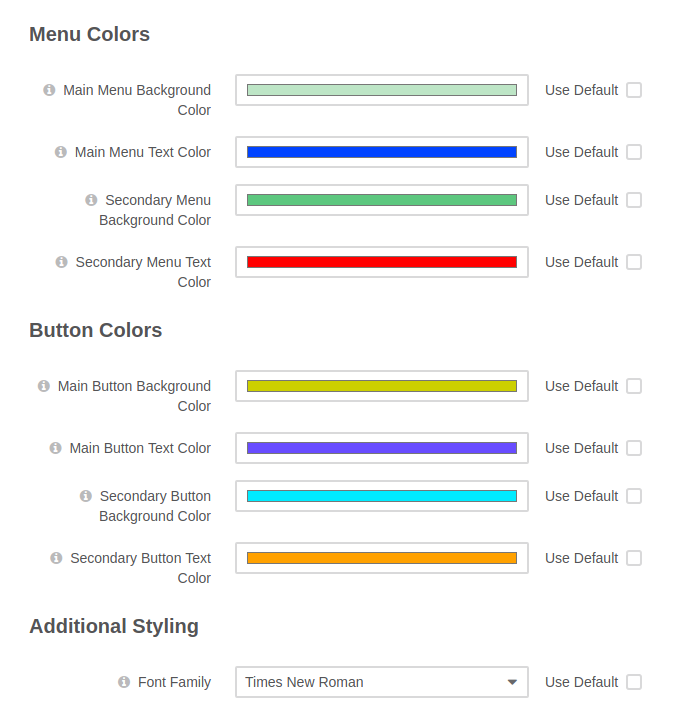
Theme Appearance: Define color palettes for headers, menus, buttons, icons, and forms. Choose from predefined fonts or upload a custom font. Additional CSS styling can be applied globally or scoped to specific storefront pages such as checkout, product listings, or CMS content.
Page Content: Modify visual elements of storefront pages including logo settings, header and footer content, and layouts for product listings, product sliders, product details, shopping lists, and checkout. These options support improved branding and customer experience.
Additional Features: Control which product and price attributes appear in different storefront views (gallery, list, compact) and in product sliders. This enhances how key product information is presented to buyers.
In the Community Edition, the configuration applies globally. In the Enterprise Edition, settings are available on global, organization, and website levels.
Key Features:
Visual Theme Management: Customize color schemes, fonts, and element styling from the back-office UI.
Logo and Branding Settings: Manage logo placement and favicon display for consistent branding across storefront pages.
Page-Specific Styling: Apply custom CSS globally or to specific storefront pages such as checkout or search results.
Product Attribute Display Control: Select which product and price attributes are shown on listing pages, sliders, and detail views.
Before installing this extension, please be aware of the following conditions that apply to its use.
- Please check Oro Documentation for extension installation and management instructions.
- This extension is provided “AS-IS” and without warranty of any kind, and it is not covered by the Oro User licenses agreement.
- Users of this extension can modify it and use modified code following OSL-3.0. licence.
- Before using this extension in a production environment, ensure it’s validated on any development environment.
Oro Team extensions maintenance and modifications are possible in scope of a dedicated agreement. Contact an Oro Representative for more information.